


Start Your ViviMart Franchise Hyper Supermarket — India's Largest Retail Opportunity!
ViviMart – Big Store, Bigger Dreams!
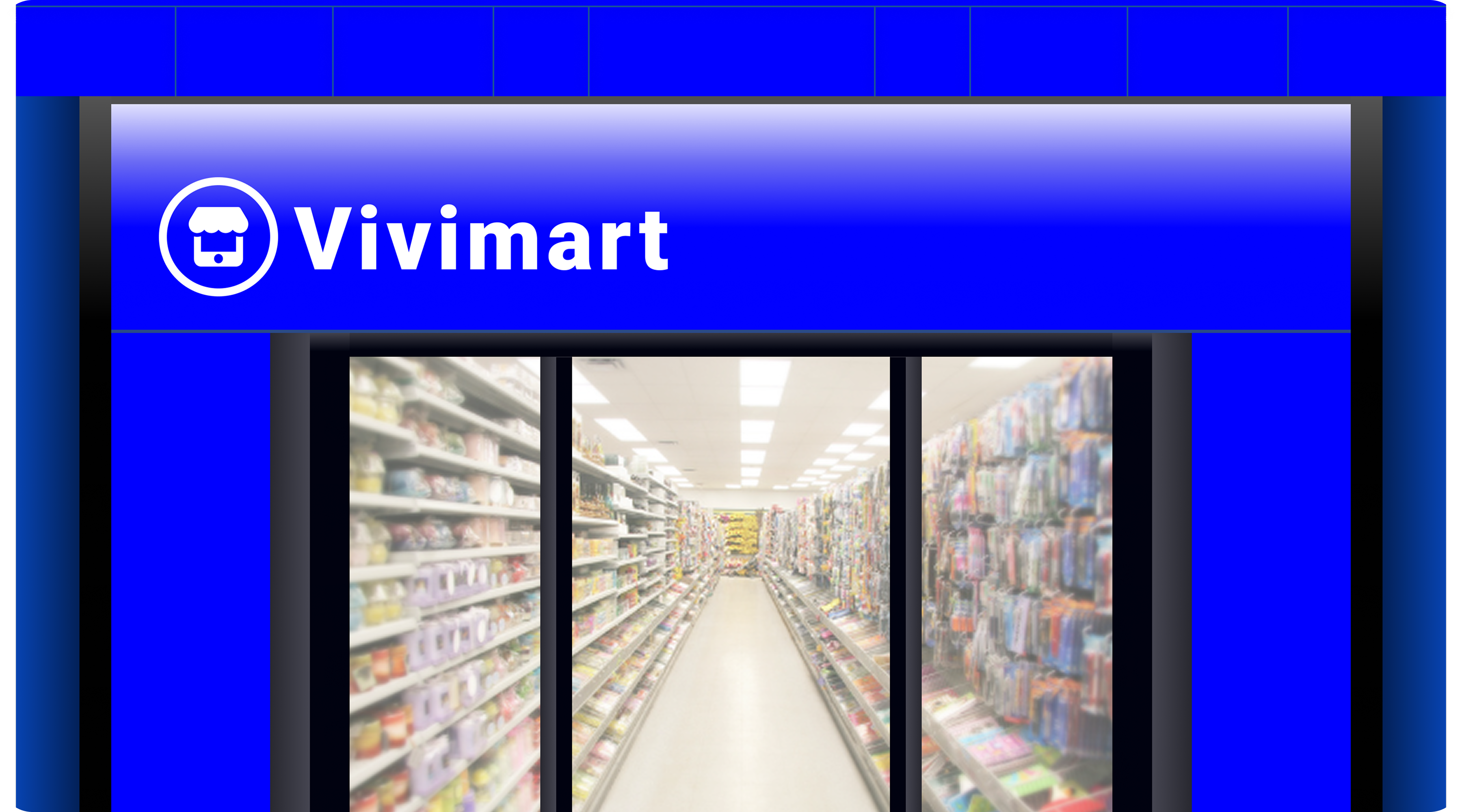
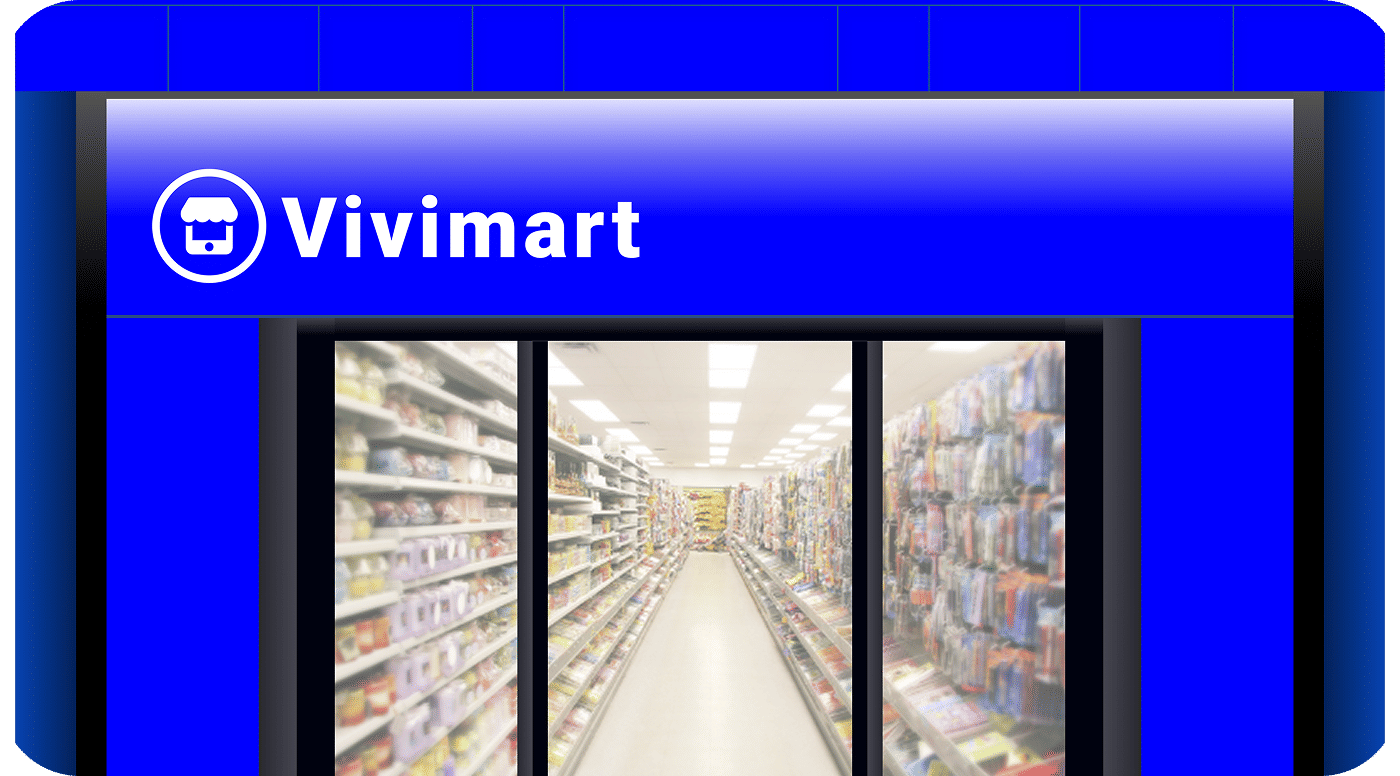
Overview
- •Large-format hyper retail store (5,000–20,000 sq ft) combining all categories under one roof
- •10,000+ SKUs spanning groceries, FMCG, electronics, apparel, fresh produce, and home goods
- •Omnichannel retail: walk-in shopping, online ordering, dark store, and quick delivery
- •Dedicated sections for bakery, food court, pharmacy, and personal care
- •Enterprise-grade POS, automated inventory management, and real-time analytics
- •Centralized supply chain with warehouse integration and bulk vendor tie-ups
- •Customer loyalty programs, subscription baskets, and corporate bulk order support
- •Full brand visibility with in-store digital signage, app, and social media presence
Why ViviMart Hyper Franchise
- •Largest Format Retail: Hyper stores serve as destination shopping hubs — attracting large footfall, high basket sizes, and repeat weekly visits from entire families.
- •Omnichannel Revenue: Earn from walk-in sales, online orders, dark store fulfillment, quick delivery, and B2B bulk orders simultaneously through a single ViviMart-powered ecosystem.
- •Complete Tech Stack: Enterprise-grade platform with self-checkout kiosks, digital signage, live inventory tracking, automated reordering, and a unified app for all sales channels.
- •Strongest Supply Chain: Direct tie-ups with national FMCG brands, regional fresh produce suppliers, and centralized warehousing ensure the best prices and uninterrupted stock.
City Tier Guide
| Tier | Cities (Examples) | Monthly Rent (est.) | Initial Investment (approx.) | Monthly Revenue (est.) | Break-even (est.) |
|---|---|---|---|---|---|
| Tier‑1 | Mumbai, Delhi, Bengaluru, Chennai, Hyderabad, Pune, Kolkata | ₹5–12L | ₹80L–1.5Cr | ₹40–80L | 24–36 months |
| Tier‑2 | Coimbatore, Madurai, Indore, Jaipur, Lucknow, Surat, Visakhapatnam | ₹2–6L | ₹40–80L | ₹20–45L | 18–28 months |
| Tier‑3 | Vellore, Erode, Salem, Trichy, smaller towns | ₹80k–2L | ₹25–50L | ₹10–25L | 16–24 months |
Investment & Setup Cost
| Category | Estimated Cost (₹) | Notes |
|---|---|---|
| Franchise Fee | 10,00,000 | One-time brand license for large-format store |
| Interior, Fixtures & Signage | 20,00,000 – 40,00,000 | Wide aisles, digital displays, branded zones |
| Initial Stock | 25,00,000 – 50,00,000 | 10,000+ SKUs across all categories |
| Equipment & Technology | 8,00,000 – 15,00,000 | POS, self-checkout kiosks, refrigerators, CCTV |
| Cold Chain & Storage | 5,00,000 – 10,00,000 | Walk-in freezers, chiller units |
| Working Capital (3 months) | 10,00,000 – 20,00,000 | Cash buffer for operations |
| Total | 78,00,000 – 1,45,00,000 |
Area & Location Guidelines
Minimum area: 5,000 sq ft — ideal range is 8,000–20,000+ sq ft
Preferred locations: high-footfall areas, near highways, malls, residential townships, or city outskirts
Dedicated parking for 50+ vehicles recommended for hyper format
Loading bay and warehouse space for bulk stock management
| Format | Area (sq ft) | Setup Cost (₹) | Monthly Expense (est.) | Staff | Monthly Revenue (est.) |
|---|---|---|---|---|---|
| Standard Hyper | 5,000–8,000 | ₹50–80L | ₹8–15L | 25–40 | ₹30–50L |
| Large Hyper | 8,000–15,000 | ₹80L–1.2Cr | ₹15–25L | 40–70 | ₹50–90L |
| Mega Hyper | 15,000+ | ₹1.2Cr+ | ₹25L+ | 70+ | ₹80L+ |
Standard Hyper (5,000–8,000 sq ft)
Full-range groceries, FMCG, dairy, frozen, bakery, and personal care under one roof.
Dedicated fresh produce section with daily restocking via centralized supply chain.
Integrated POS with loyalty, auto-reorder, and Vivimart wallet sync.
30–60 min delivery up to 8 km via Vivimart rider auto-assignment.
Staff-assisted and express checkout lanes for faster billing.
Digital marketing, in-store promotions, and WhatsApp ordering support.
Mega Hyper (15,000+ sq ft)
Premium, organic, and imported product ranges alongside everyday essentials.
In-store food court, pharmacy counter, and electronics/home appliances section.
Central CMS for unified pricing, inventory, warehouse, and delivery control.
Omnichannel sync across app, website, WhatsApp, in-store, and B2B portals.
Vivimart rider fleet with express delivery, live tracking, and proof of delivery.
Corporate bulk order desk, subscription services, and eco-friendly packaging.
Support, Training & Application
Support & Training
| Onboarding | Site evaluation, store layout, branding & zoning plan |
| Operations | Enterprise POS, self-checkout setup, inventory management |
| Supply Chain | Centralized warehouse, bulk purchasing & vendor tie-ups |
| Marketing | Grand launch campaigns, digital ads & local promotions |
| Technology | Omnichannel app integration, delivery & B2B portal |
How to Apply
| Step 1 | Apply via the franchise portal with location details |
| Step 2 | Site inspection & feasibility audit by ViviMart team |
| Step 3 | Franchise agreement & one-time fee payment |
| Step 4 | Store setup, technology installation & staff training |
| Step 5 | Grand launch & full omnichannel integration |
ViviMart Hyper Franchise — 45-Day Setup Checklist
Week 1 (Days 1–7)
- Conduct market research, footfall analysis, and competitor mapping.
- Finalize store location, lease, and loading bay access.
- Sign MoU with ViviMart and begin license applications (GST, FSSAI, Shop Act, Fire NOC).
- Engage architect for large-format store layout and zoning plan.
Week 2 (Days 8–14)
- Finalize aisle layout, department zones, and signage plan.
- Order racks, refrigeration units, cold-chain equipment, and fixtures in bulk.
- Begin vendor onboarding for FMCG, fresh produce, bakery, and non-food categories.
- Apply for utility connections and fire safety inspections.
Week 3 (Days 15–21)
- Begin civil, electrical, and fit-out works across all store zones.
- Install CCTV, digital signage, and basic store infrastructure.
- Set up enterprise POS, self-checkout kiosks, and Wi-Fi network.
Week 4 (Days 22–30)
- Complete interiors, equipment installation, and cold-chain commissioning.
- Recruit and onboard core team (store manager, department heads, cashiers, floor staff).
- Conduct staff training on billing, hygiene, inventory, and customer service.
- Receive and audit all fixtures, refrigeration, and IT equipment.
Week 5 (Days 31–38)
- Stock all categories: groceries, FMCG, fresh produce, frozen, bakery, non-food.
- Set up supplier credit lines, auto-reorder cycles, and warehouse sync.
- Run POS testing, self-checkout trials, and full inventory audits.
- Launch local promotions, outdoor signage, and pre-opening digital campaigns.
Week 6 (Days 39–45)
- Conduct full trial run, mock operations, and emergency drills.
- Optimize stock placement, pricing, digital listings, and delivery zones.
- Soft opening for select customers and corporate accounts.
- Grand opening with local marketing, influencer outreach, and full app integration.
Help & Support
A dedicated help center and chat support system will guide you through every stage of your hyper store journey. From step-by-step setup tutorials to quick FAQs, our team ensures you receive timely assistance. Live chat, email support, and video guides make problem-solving easier than ever.
Contact Us
For personalized help, sellers can reach out directly to the ViviMart team for queries, feedback, or technical support. The support team can be contacted via:
Email Support
[email protected]